Slab Reader
The AI reading workflow: mark it up, get answers in the margin
15 August 2026
Reading is where the thinking happens. Your AI lives somewhere else — a chat window, with no idea what you've read or what you doubted. The fix isn't a smarter chatbot beside the document. It's marks your assistant can actually read.
The copy-paste problem
If you read for a living — papers, contracts, reports, specs — your current AI workflow probably looks like this: read on one device, find the passage that matters, copy it, switch to a chat window, paste, add context, ask. The answer arrives in the chat, where it stays. Next week you re-read the document and none of that thinking is there.
The problem isn't the assistant — it's that your marks are invisible to it. Highlights in most reading apps are pictures: ink on a page image, or a colour band the app itself can barely search. No AI can do anything with that.
Marks as data
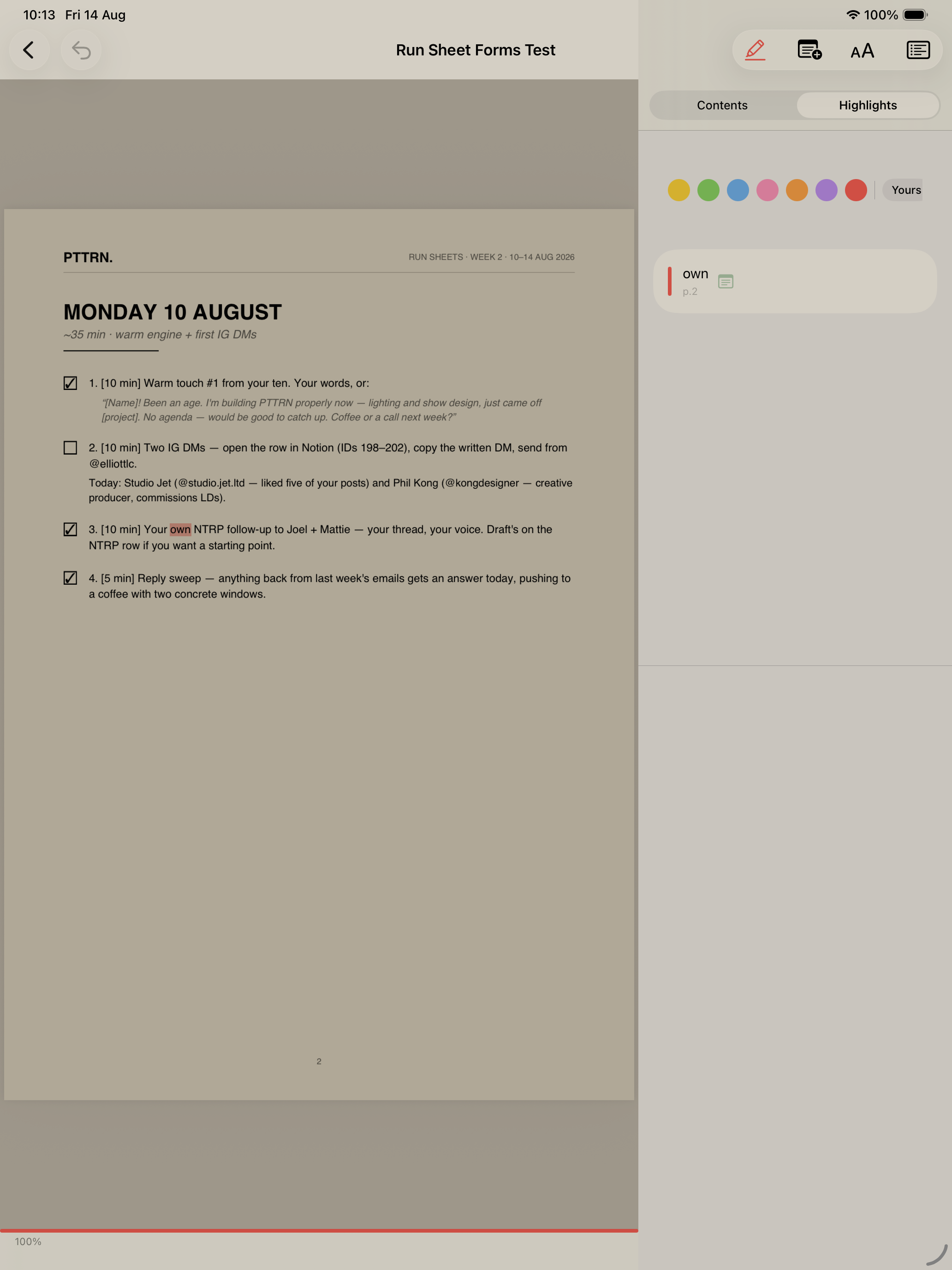
In Slab Reader every highlight is anchored text — a real passage, with a colour, an optional note, and a thread hanging off it. That single design decision is what makes an AI loop possible: your assistant can list your documents, read every highlight with its note, and reply in the thread under the mark — not in a chat that evaporates.
The loop
- Send. Ask your assistant to send a report, paper or article to your library — or paste a URL and Slab Reader turns it into clean Markdown.
- Read and mark. On the sofa, with the pencil. Sweep to highlight; finger scrolls, pencil marks. Note the doubts as you go.
- Hand it over. In any chat, say “look at the report and answer my notes”. Your assistant reads the marks and replies under each one.
- Come back to answers. The replies are threaded beneath your highlights, badge-counted, waiting — part of the document now, not a chat you have to find.
The loop compounds. A literature review writes itself into the margins of ten papers. A contract review becomes a document where every suspicious clause carries an explanation. A draft report goes back to the AI with your objections attached to the exact sentences they're about.
Whose AI? Yours.
This is the part that matters. Slab Reader doesn't ship a built-in chatbot and charge you for it. You connect the assistant you already pay for — Claude, ChatGPT, Perplexity, or anything that speaks MCP — and it works on your account, with your credits, your memory, your chat history. Connecting takes about two minutes.
And the privacy model is the inverse of the usual: we never send your content to any AI company. Your assistant connects in, authenticated as you, with a key you can revoke in one tap. What it does with what it reads is between you and your provider — no middleman.
Slab Reader is coming to the App Store. Leave an email and we'll send exactly one message — the day it launches.