Slab Pad
A Typora and Ulysses alternative for the AI era
15 August 2026
The Mac has never lacked writing apps. What it lacks is one built for how writing works now — with an AI assistant in the loop, without your documents leaving the machine, and without another subscription.
The landscape, honestly
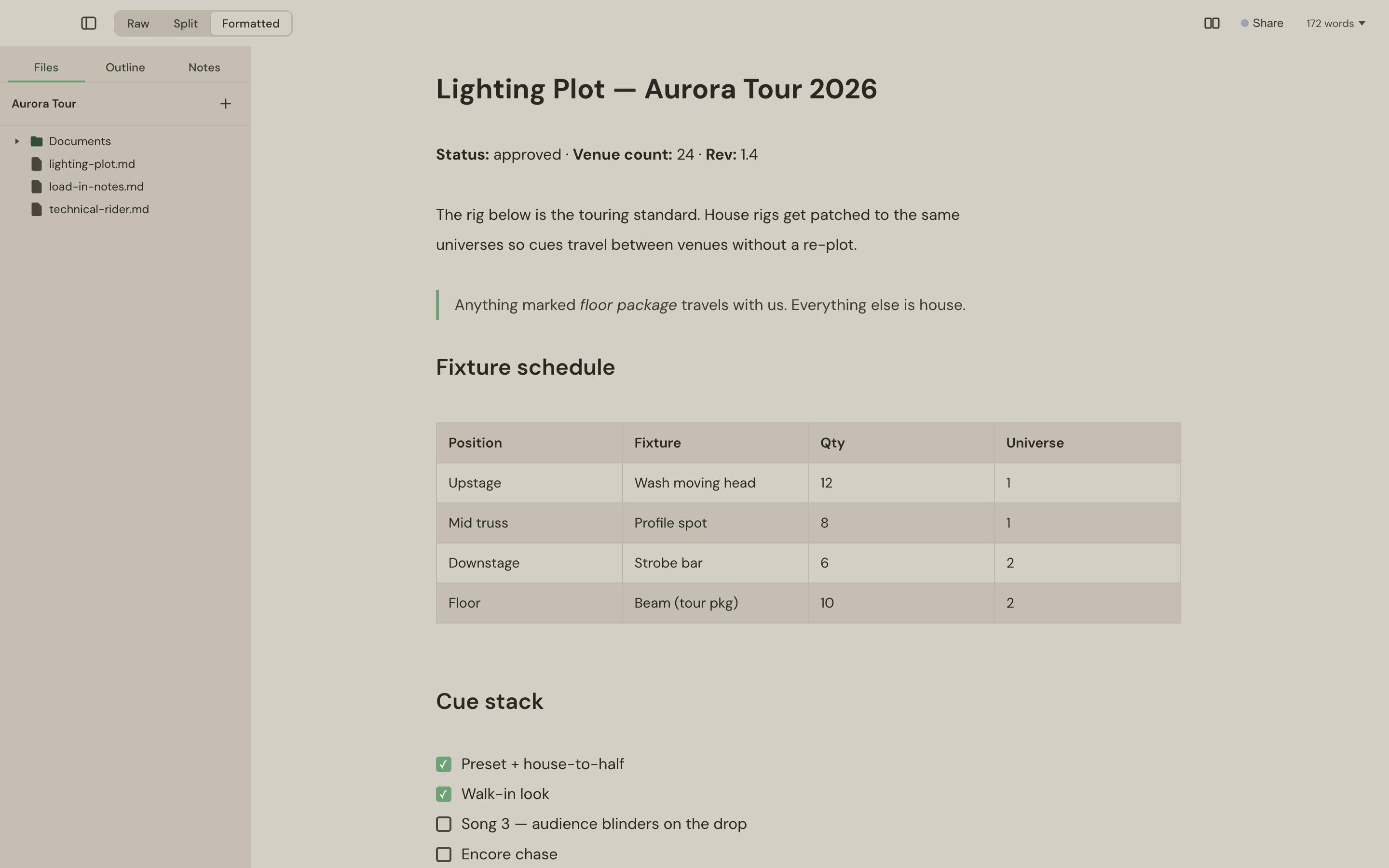
The focused writing apps — Typora, iA Writer, Ulysses, Bear — are genuinely good at prose. If all you want is a calm Markdown editor, several of them are excellent, and this post won't pretend otherwise. The differences that matter in 2026 are elsewhere:
- Pricing model. Ulysses and Bear's full feature set are subscriptions; Typora and iA Writer are one-time purchases. Slab Pad is one-time: £9.99, three Macs, keep the version you bought forever.
- Where AI fits. Most editors either have no AI story, or bolt one on by sending your document to a vendor's API — often as a second subscription. Slab Pad ships a local MCP server instead: the assistant you already pay for connects to the editor itself.
- Where your files live. Vault formats, proprietary libraries and cloud workspaces all put something between you and your words. Slab Pad works on plain .md files in a folder you chose — git, Dropbox and iCloud just work, because there's nothing special to sync.
What “AI in the editor” actually means here
Not a chat sidebar you paste into. Slab Pad's MCP server runs on your Mac — loopback only, token-protected — and gives your assistant real editor abilities: read what you've selected, answer a question against a highlighted passage in a margin thread, rewrite the section you're looking at, or hand you a fresh draft as a new tab. Every AI edit goes through the same code path as your own typing, so ⌘Z undoes it and nothing happens silently.
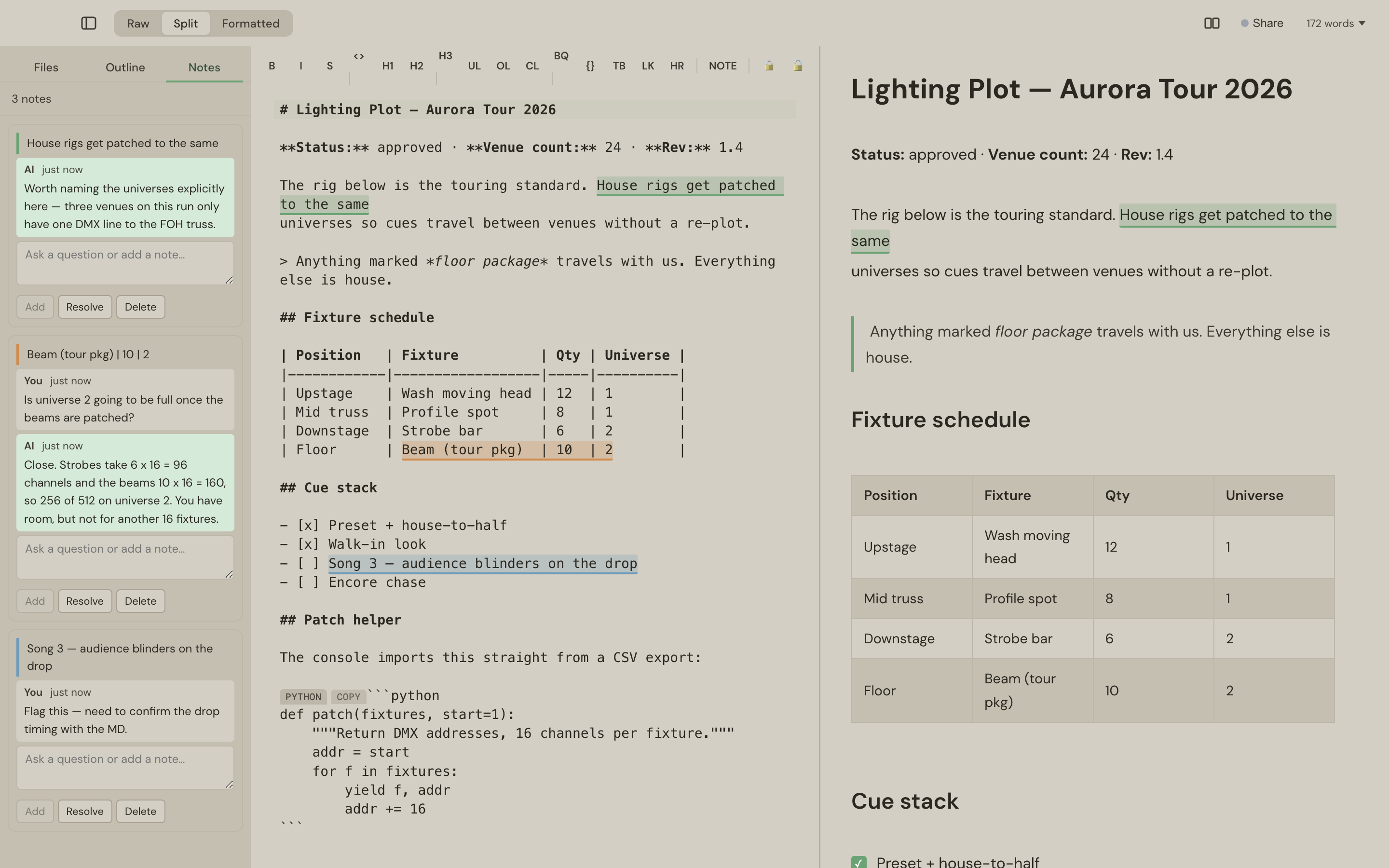
Nothing is uploaded. The connection is local; your documents stay on your Mac. If you never connect an assistant, Slab Pad is simply a fast, quiet Markdown editor — the AI is a door, not a toll.
Side by side
| Subscription writing apps | One-time editors | Slab Pad | |
|---|---|---|---|
| Price | Monthly, forever | One-time | £9.99 once, 3 Macs |
| Your files | Often a proprietary library | Usually plain files | Plain .md in your folder |
| AI | Vendor-wired or absent | Absent | Your own assistant, via a local MCP server |
| Beyond Markdown | Varies | Markdown only | PDF viewer, CSV tables, JSON/XML trees alongside |
| Confidential bits | Encrypt the whole file, or don't | Same | Sealed regions: encrypt passages in place, per password group |
| Offline | Varies | Good | Everything works — fonts bundled, AI is local |
Made for documents with stakes
The features that separate Slab Pad aren't writing features — they're working-document features. Sealed regions let one .md file carry client rates under one password and credentials under another, still safe to email. LAN sharing puts a live document on a colleague's laptop across the room with no cloud and no account. The PDF viewer extracts text so your assistant can cite a page. It's an editor for people whose documents do things.
Try it free for 10 days — no account, no card — and connect your assistant in one command.
Slab Pad is £9.99 once — perpetual licence, three Macs, 10-day free trial.